



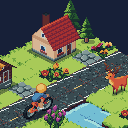
COMPUTER
COMING SOONComputer turns your phone into a bike computer for Pedal Mania. Put it on the bars or next to the trainer, and it shows your ride as it happens: power, heart rate, cadence, speed, distance, the climb, your place in a race and your workout's next step.
It's a remote too. Pause, end the ride, skip a workout step, change a setting or start a route without getting off the bike. Take a photo of the ride, or send an emote that pops up over your rider in a speech bubble. In a group ride, the others see it too.
NOT OUT YET
Computer is coming to the App Store and Google Play, but it isn't out yet. This page will link to it when it is.
ON YOUR PHONE
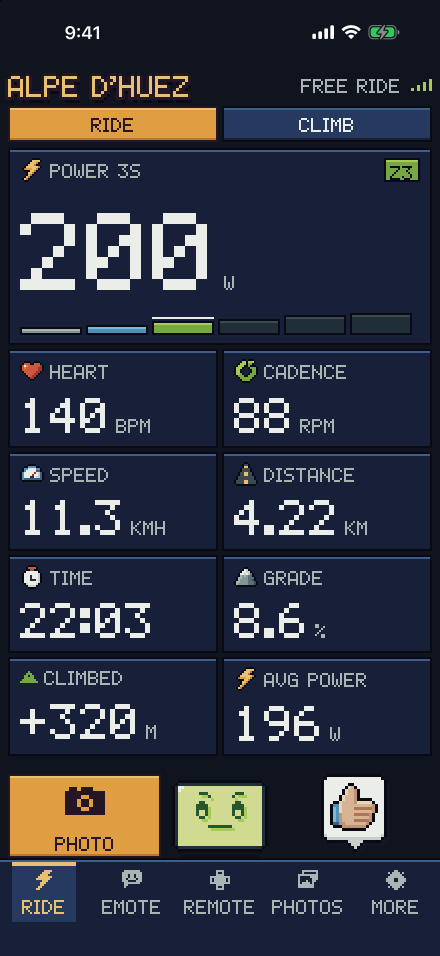
YOUR RIDE, LIVE 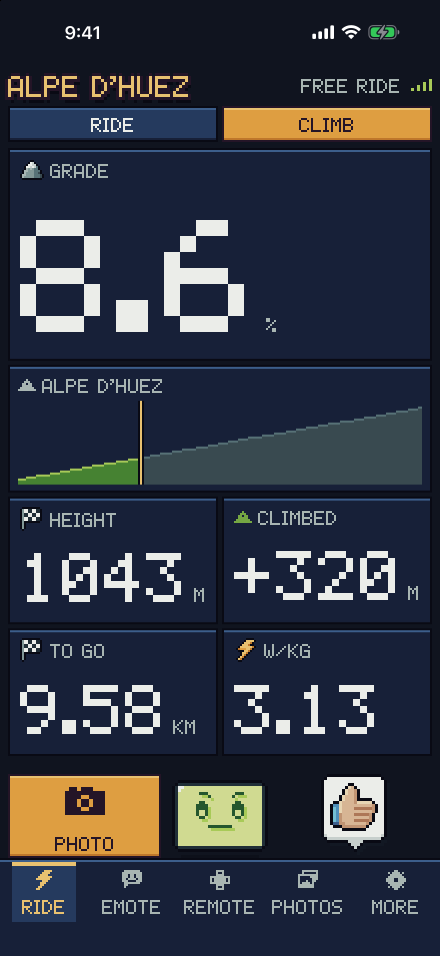
THE CLIMB AHEAD 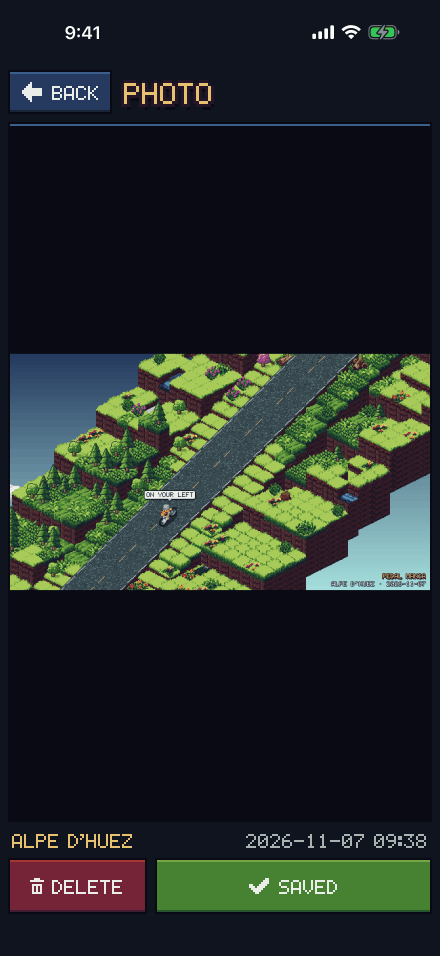
PHOTOS OF YOUR RIDE 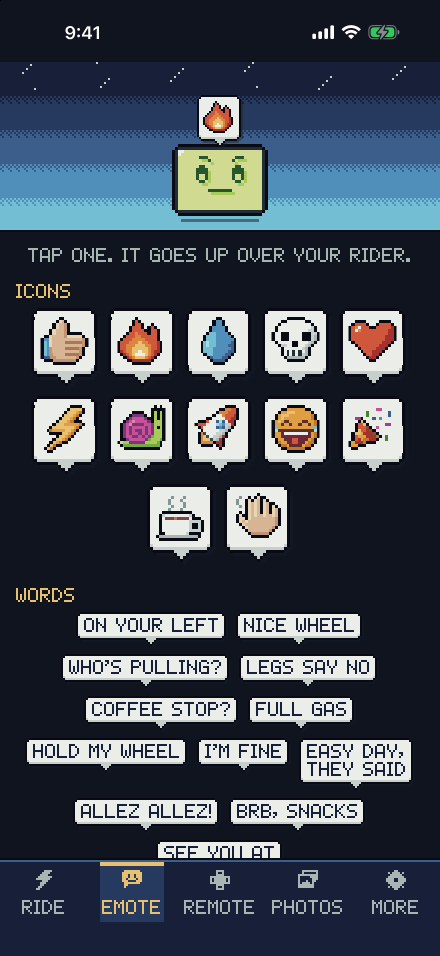
SEND AN EMOTE 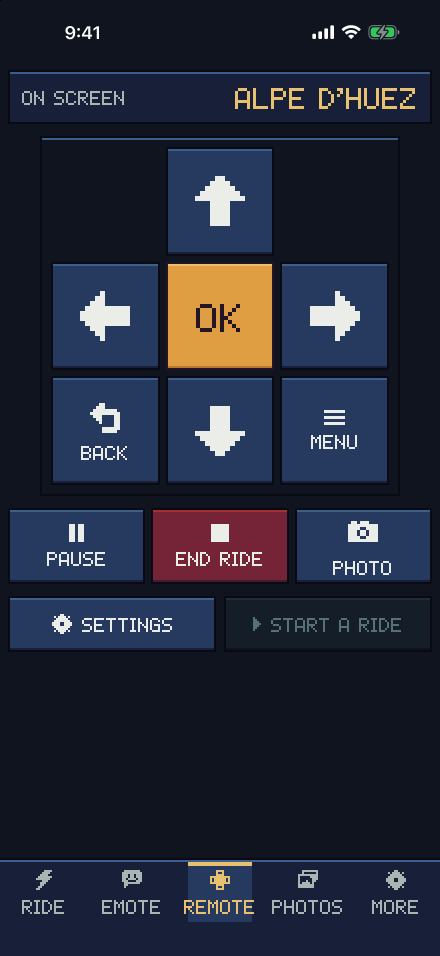
DRIVE THE GAME 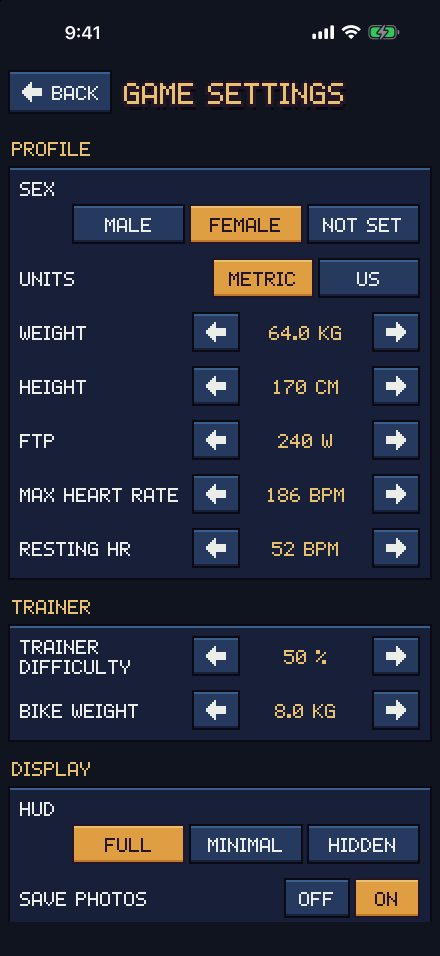
THE GAME'S SETTINGS
LINKING IT
- In the game, open SETTINGS, then COMPUTER. It shows a code and a QR code. The ride's pause menu has it too.
- Open Computer on your phone and type the code, or scan the QR code.
- That's it. Computer signs in as you, and finds the game whenever it's open on the same account.
The game needs to be signed in first: link the game if it isn't. A code lasts 10 minutes and works once. Up to four phones can follow one game at a time, and you can unlink one on your page.
PHOTOS
Computer saves the ride's photos to your phone's photo library. The game saves its own too, unless you turn off SAVE PHOTOS in its SETTINGS. They stay on your devices: see privacy.